
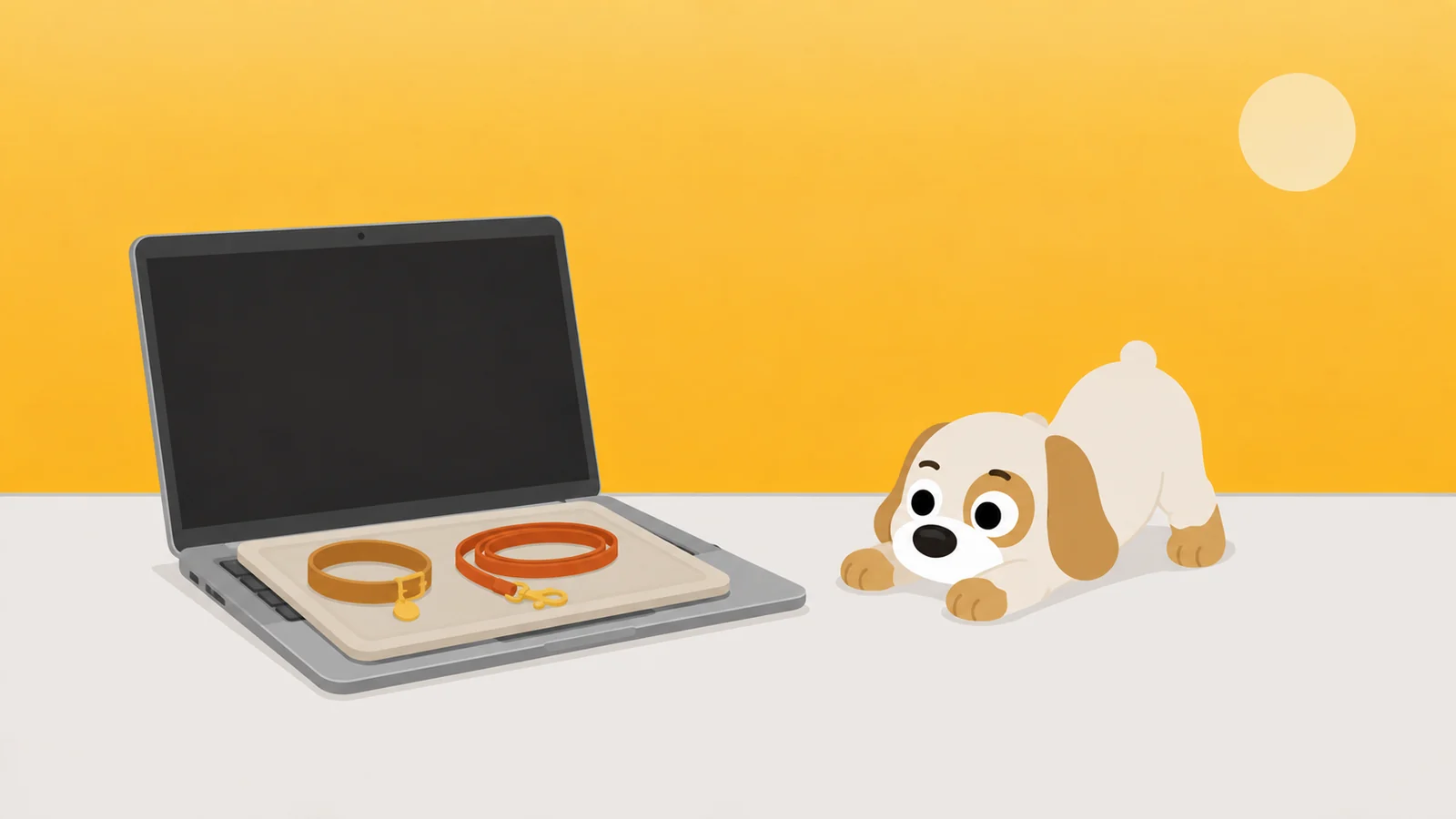
The phone is handled. The laptop is two feet away and has never been told anything.
We make a Mac app blocker. It is not finished, there is no beta, and there is nothing on this page you can install tonight. That is the disclosure and it is at the top rather than the bottom, so you can leave now if a download was the only thing you came for.
What is here instead is the argument the thing is being built from, and one test you can run in the next ten minutes on whichever website blocker you do end up installing. The test is the part that helps you today. It is free, it works on any of them, and it will save you a fortnight of trusting a setting you never checked.
Spend ten minutes trying to break your Mac app blocker, tonight, while you are calm
Install the thing. Switch a rule on. Then set a ten minute timer and go at it on purpose, now, while you do not actually want in. That is the whole trick: you are attacking it in the wrong mood, which is the only mood in which you will be honest about what you find.
- Quit it. Cmd Q, then go and see whether the rule is still standing.
- Force quit it. Cmd Opt Esc, pick it out of the list, Force Quit.
- Open its own settings and try to switch the rule off while the rule is running. Count the seconds it takes.
- Open one of your blocked sites in a browser you did not set it up in. Then again in a private window.
- Drag the app to the Trash and see whether your rules go in with it.
- Go to System Settings, General, the Login Items pane, and switch off anything of its that starts at login. Restart. Look again.
- Add a second user account under System Settings, Users & Groups, log in as that person, and open the site.
Write down every one of those that worked. That list is the honest review of the app, and it is worth more than any comparison table on the internet, this one included.
Then do the only useful thing with the list: for each door, either shut it or pick a tool that does not have it. Most people find three or four. Almost everybody gets through with the last one, because a fresh user account on a Mac arrives with none of your settings on it, Screen Time included. Some tools have a system-wide piece that survives that. Ten minutes is how you learn which sort yours is, and it is the sort of thing nobody puts in a review.
You are not cheating. You are reading the contract before you sign it.
This is a test for a limit you set on yourself, on a machine you own. If somebody else set it and you would like it gone, none of this is for you, and the honest move is the conversation rather than the workaround. Separately, if the Mac belongs to your employer, expect some of those panes to be locked. That is your IT department, not a fault.
On a Mac you are the administrator, and that changes what can be built
The reason ten minutes finds so many doors is not that Mac software is sloppier than phone software. It is that the phone playbook stands on a floor the Mac does not have.
On an iPhone a limit holds partly because iOS refuses you things. You cannot kill a background process. You cannot edit a system file. You cannot quietly log in as somebody else. Screen Time gets to be strict because the ground under it was poured strict, and none of that is Screen Time's doing.
A Mac hands you all three, along with your own administrator password, because a machine you administer is precisely what you bought instead of a larger phone. The long version of that argument, with the measurement problem sitting underneath it, is in you blocked TikTok on your phone, so you opened the laptop. Here only the consequence matters.
On a phone a limit holds because the phone says no. On a Mac it holds only because you cannot cheaply change your mind.
The obvious answer is to make it unbreakable, and that deserves a fair hearing
It is not a silly idea, and the tools that do it are not toys. Hand one your administrator password at install, let it leave a piece of itself running with privileges above your own, and it can hold a rule your ordinary self cannot lift. The strictest will not let go until a timer expires. A few will lock you out of the entire machine for a set number of hours, which is exactly as effective as it sounds.
They work. If your goal is three uninterrupted hours on a Thursday afternoon, that is the strongest thing on the market and nothing here is going to talk you out of it.
The trouble arrives on a different day.
The failure is not symmetric. A rule that is too soft costs you an evening. A rule that cannot be lifted costs you the wrong afternoon: the call you had to join, the boarding pass sitting in a browser tab, the client file behind a login on a domain you blocked in a bad mood six weeks ago. One of those, and the app is in the Trash by Wednesday, and every rule you carefully set on Sunday goes into the Trash with it. Strictness that does not survive contact with a working week is not strictness. It is a fortnight.
And the privileges have a price. Ask what an unbreakable blocker can see. To hold a rule across every browser at once, something usually has to sit in the path of your traffic, which puts it in a position to know where you go all day. Plenty of them are honest about that and handle it properly. It is still a large amount of trust to hand to a piece of software whose entire job is stopping you watching short videos.
A wall does not care what you needed on Tuesday. That is why the wall is in the bin by Wednesday.
Underneath both of those sits the thing that actually decides the design. Impossible is not what you need. You do not need a rule that can never be lifted. You need one that cannot be lifted tonight. An urge has a length and it is measured in minutes, and every mechanism worth building is only ever a way of being longer than that.
The whole argument, in two lines
Unbreakable is the wrong target on a machine you own, because you own it, and the moment it costs you something real you will simply take it off.
Longer than the urge is the right target. It is also a far cheaper thing to build honestly.
So the Mac version is being built out of delay, and you can already watch it work
Which is where we have to say what we make, though the headline gave it away. Scrappy is a small scruffy dog who stands in front of the apps you name. He is shipped on the iPhone. He is not shipped on the Mac. Every mechanism below is running on a phone today, which is the only reason we are willing to describe how the Mac one will behave.
He knows three rules and there is no fourth. Quiet hours: the door is shut between two times. A daily limit: so many minutes, then that is it. An open limit: six looks a day is plenty, and it counts the looks rather than the minutes, which turns out to be the one most people needed. Knock once and he is polite about it. Keep knocking and he gets less patient, and on the fourth knock he is one word long. Stay after that and he is theatrically wounded, because he is a dog.
Getting past him costs a treat, and a treat costs roughly two thousand steps of real walking and buys five honest minutes. Treats have never been for sale and never will be, because the moment you can buy your way past a guard you have bought an ornament. This is also the part that does not port cleanly, and it is worth saying out loud rather than discovering later: a Mac cannot count your steps. The jar stays on the phone, which is where your legs already are.
Each guarded thing gets a resistance level. Negotiable opens for a treat. Firm makes you sit for ten seconds first, which is long enough to notice you did not really want it. Absolute means he will not take the treat at all, and you may stand there as long as you like.
Then the delay argument in its most literal form, which is the removal lock. Switch it on and the app cannot be deleted and reinstalled clean at eleven at night. Switching the lock back off is always allowed, and it takes a day. Not a wall. A day. A day was chosen because it is longer than any evening, not because a study said so. You are never actually stuck. You are only not stuck tonight, which was the entire point.
Alongside it, one emergency pass a month, for the boarding pass and the genuine emergency, with no scolding attached. And a walk: a named session, twenty five minutes to eight hours, where he guards everything while you get on with it. On the phone that puts a Live Activity on your lock screen. On a Mac it will sit in the menu bar, because that is where a Mac keeps the things you glance at.
The list of things it will refuse to do is the part worth reading twice
Honest scope is worth more than ambitious scope here, because the refusals are the half you cannot check after you install.
- It will not lock you out of your Mac. Not for three hours, not for one. He guards doors. He does not own the house.
- It will not read your screen or what you type. No screenshots, no keystrokes, no grading of what you were working on.
- It will not keep a record of where you went anywhere we can reach. The iPhone app has no account, no sign-up and no server of ours: your Screen Time is drawn by a sandboxed Apple extension that cannot phone home. The Mac one is being built to the same rule, and the rule is a constraint the design has to fit inside rather than a sentence in a privacy policy.
- It will not sell you treats. Not as a purchase, not as a top-up, not at 11:40 when you would very much like to buy some. Earned or nothing.
- It will not be unremovable. A day, and it is gone, with all your rules. Software on your own machine that its owner cannot remove is not a tool, whatever the box says.
- It will not claim a browser it has not been tested in. Where a method leaks, the leak gets named on the page you install from, the way the current four are named in how to block a website on a Mac in every browser at once.
There is no date, and here is what has to be true before there is one
A date on unwritten software is a wish, and you have been handed several of those already. So: no date. What there is instead is a list of conditions, and they are the same three the ten minute test is checking for.
It has to hold at the site rather than only at the application, in the browsers people actually use, tested browser by browser rather than assumed. The way out has to work on the worst Tuesday of the quarter, which means the emergency pass and a removal lock that costs a day instead of a fight. And its owner has to be able to uninstall it without writing to us.
What it costs is not decided, and we are not going to invent a number on a blog. For reference, the phone app is free to start with one whole uncrippled rule and every safety rail, and Pro is $19.99 a year, $4.99 a month, or $39.99 once. That is the shape we like. Whether the Mac sits inside it has not been worked out.
You will also notice there is no signup box on this page, which is odd for an article about an unreleased product and is deliberate. We do not run a server, and we are not going to start running one so that we can email you about software that does not exist. When it exists it will be on the App Store, under the same dog.
I would rather be late than be the thing you had to uninstall.
Until then the order that works has not changed. Fix the screen you take to bed first, because it is the one in your hand at 11:40 and the only one that follows you under the duvet. The laptop is the second problem and it has always been the second problem. There is a whole shelf of writing here about what to do to it in the meantime, and none of it needs us.
What he'd do
- Run the ten minutes tonight, on whatever you already have installed. Cmd Q, another browser, a private window, a second user account. Write down every door that opened. You will know more about your own setup than any review could have told you, and it costs you one cup of tea.
- Turn on Share Across Devices, then lock the Screen Time settings on the Mac with a passcode you use nowhere else. It will not see inside Chrome and it was never going to. It will cover the clock, and the clock is the part that runs while you are tired.
- Set the quiet hours on the phone to start when you want the evening to start, not when you want to be asleep. A rule that begins at eleven has already lost the ninety minutes you actually cared about.
He is shipped. Just not on that screen yet.
Free to start, one whole rule, every safety rail. The Mac version is not out and this page is not going to pretend otherwise.
Get Scrappy on the App StoreChecked against
- macOS 26. The steps in the ten minute test are ordinary macOS behaviour rather than anything specific to one blocker: quitting and force quitting an app, the Login Items pane under General, and a second user account arriving with its own Screen Time settings. They are described from how macOS works rather than from running all seven against every tool on the market, which is exactly why the instruction is to go and run them yourself.
- Everything said here about a Mac version of Scrappy is a statement of intent about software that has not shipped. There is no beta, no date, and no price. Read it as a description of the argument, not of a product.
- The iPhone behaviour described is the shipped iOS app: three rules, the escalating shield, treats earned at roughly two thousand steps and never sold, per-app resistance levels, walks of twenty five minutes to eight hours, a removal lock that takes a day to switch off, one emergency pass a month, and no account or server of ours.
- No claim is made about which Apple frameworks a Mac version would use. The constraints described are about a Mac being a machine its own user administers, which holds regardless of any particular API.