
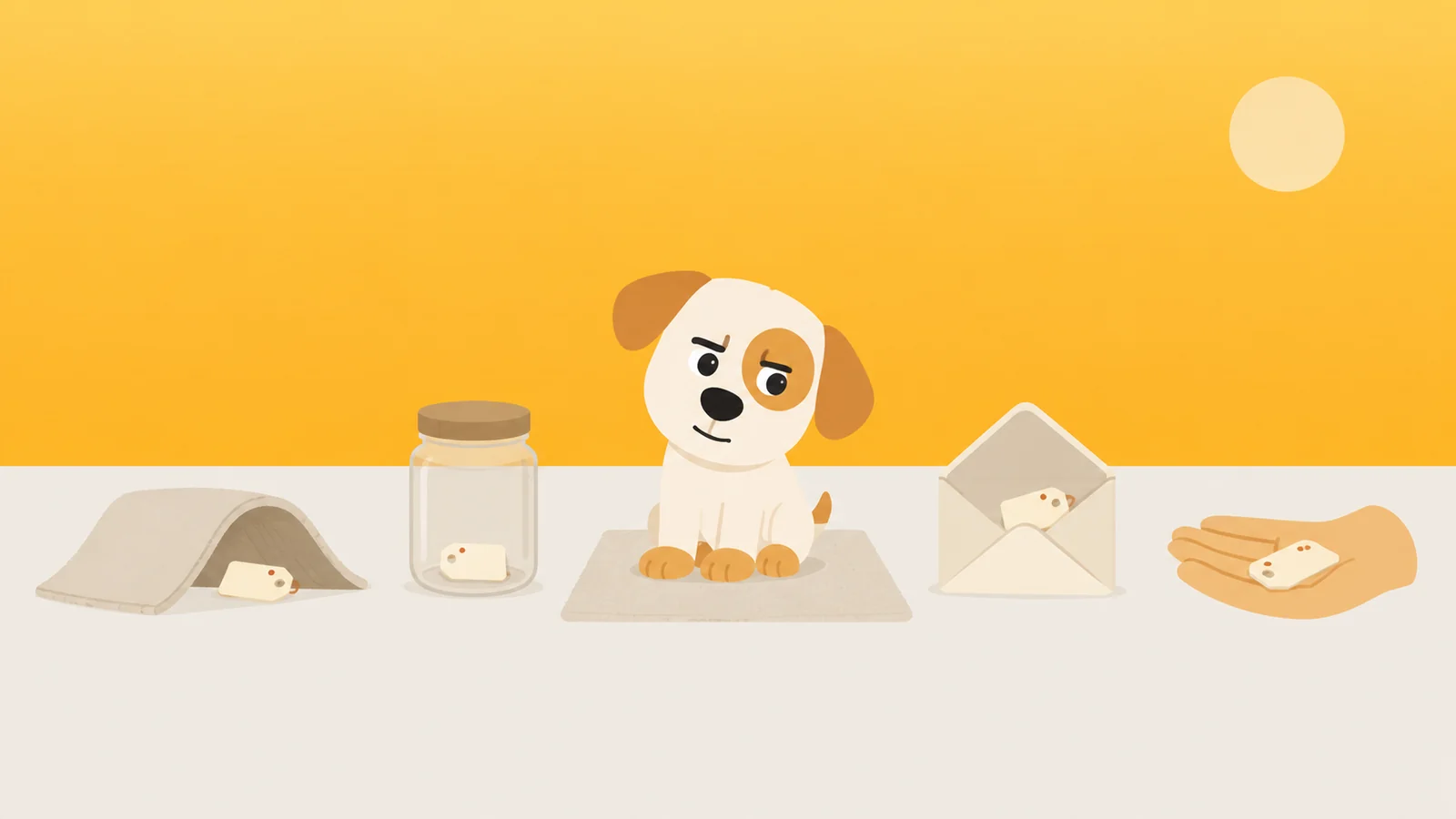
You set the Screen Time passcode yourself, which means your thumb already knows it.
That is the whole difficulty, and no amount of clever hiding makes it go away. A passcode you chose for yourself, on a phone you own, protecting you from a decision you will make later the same evening, is not a lock in any sense a locksmith would recognise. It is a delay. The only honest question about it is how long the delay is.
So here is the ranking before any of the argument, because you may well be reading this with the keypad already on screen. Four places people actually put it, with the number that matters beside each one: the seconds between wanting the code and having the code.
- In your head. Three seconds. You are already there.
- On paper, in a room you have to stand up and walk to. Forty seconds, or four minutes, depending on the room. This is the only one where you choose the number.
- In your password manager. About six seconds. Open it, look at the phone, read four digits, type four digits.
- In somebody else's head. A message, an explanation, and a face.
The gap between the first of those and the third is roughly three seconds. The gap between the first and the fourth is a relationship. Everything below is about why that is the real spread, and why the middle of the list is emptier than it looks.
This is about a passcode you set on yourself, on your own phone. If somebody else set one on your phone and you would like it gone, nothing here will help you, and it was never meant to. That one is fixed by a conversation, and the conversation works better than any workaround you will find today.
There is a fifth key, and iOS cuts it while you are setting the lock
When you turn a Screen Time passcode on, iOS asks for an Apple Account, and it is polite about why: so the passcode can be reset if you ever forget it. Almost everybody says yes. It is offered as a safety net, it arrives at the exact moment you are worrying about locking yourself out, and saying no requires reading a warning at nine in the evening.
It is not a safety net. It is a second door. From that moment the four digits are not the only way through, because the Screen Time passcode screen carries a Forgot Passcode? link, and behind that link is your Apple Account email and password. Which lives in your password manager. Which opens with your face.
A lock, with a note stuck to it saying where the spare one lives.
So the real retrieval time for a passcode with recovery switched on is not three seconds or forty. It is however long it takes you to remember that recovery exists, plus about a minute. Most people learn this the first time they genuinely forget the code, which is also the first time they find out how little the lock was doing. If you are an adult who forgot a Screen Time passcode you set on yourself, there is no parent to go and ask, and that turns out to be a smaller problem than you feared and a bigger one than you wanted.
You can decline the recovery account. iOS lets you, with a warning, and the warning is true. Set a passcode with no recovery account, forget it, and there is no support call that fixes it. The way back is erasing the phone and setting it up as new, because restoring from a backup brings the passcode along with everything else. That is exactly what a backup is for and exactly what you do not want in that moment.
That is the shape of every option below. Each one is either something you can undo in a minute or something that can genuinely cost you. Nothing on the list is cheap and effective at the same time.
Your head, which is where the Screen Time passcode lives anyway
Whatever else you decide, you will know this number for a while. You invented it. You typed it twice to confirm it. A four digit code you made up yourself is yours for months whether you want it or not.
Which means the useful version of keeping it in your head is not about hiding at all. It is about choosing four digits your thumb has to stop and think about. Not your unlock code. Not a birth year. Not the birth year with the digits swapped, which is the same number wearing a hat.
Three seconds of keypad genuinely does something, and it is not nothing. Most evening app-opening is not a decision, it is a hand moving. A keypad stops the hand and makes it ask the person a question. That pause is the entire mechanism, and it is real for exactly as long as it stays unfamiliar.
Paper, in a room you have to stand up to reach
This is the only place on the list where you get to set the number yourself. A folded slip in a kitchen drawer is about forty seconds from the sofa. Taped under a shelf in the garage is four minutes and a coat. Whatever distance you choose, you get it back every single night, and you never have to ask anyone for it.
The distance is not really the point though. Standing up is. An urge to open something is a posture as much as a mood, and a surprising amount of it does not survive the change from lying down to walking across a cold floor. If you take one instruction from this piece, take that one: put the paper somewhere that requires you to be vertical.
One thing ruins it, and everybody does it. You photograph the slip, just in case. Now the code is in Photos, Photos is searchable, and Photos is on the phone. You have carefully hidden something forty seconds away and then filed a copy of it two inches from your thumb.
The password manager, built by people paid to delete exactly this distance
Every password manager has one job and it is measured in taps. Apple's Passwords app, 1Password, whichever you use: their engineers spend their working lives shortening the gap between wanting a secret and holding it, and they are extremely good at it. Putting your Screen Time passcode in one of them is locking the shed and hanging the key on the shed.
You hid it from yourself in the one place built so you never have to look.
There is a version of this that is not silly. Keep the code in a vault that exists only on the desktop, and deliberately do not install that manager on the phone. Then the retrieval cost is the walk to the desk, and what you have actually built is the paper option with a battery in it. Which is fine. Just be honest that the manager is doing none of the work.
Somebody else, and whether you should let them set it
This is the one people search for at midnight and talk themselves out of by breakfast: should you let someone else hold the passcode, or set it in the first place. It works. It is the only option on the list that reliably survives a bad week. And it costs you something socially every time you use it, which is the mechanism rather than a side effect.
If you are going to do it, do it properly. They type it in and you never see the digits. Then, while you are calm, the two of you agree the one situation in which they hand it over, and you say it out loud: a boarding pass, a locked bank app, a real emergency. Everything else is a no that you decided together on a Sunday, so that neither of you is deciding it at twenty to midnight.
Pick the right person too. Not the one on the other end of the sofa, because "just type it in" is a whisper away and they will get tired of being the one who says no to you. Somebody a text message away and a taxi ride distant holds a line far better than somebody in the room.
Pick someone who can say no to you on a Tuesday. That list is shorter than you think.
The cost is worth naming plainly, because most articles skip it. You have made another adult partly responsible for your evenings, and you have handed them a small recurring opportunity to be disappointed in you. Some people carry that lightly and it becomes a running joke. Plenty of couples cannot, and it becomes something else. If you have to wonder which one you are, assume the second.
The best argument against everything above
Now the strongest case that this whole piece is overthinking it, put as well as I can put it.
A passcode was never meant to be a wall. It is a speed bump. Its only job is to turn an automatic reach into a deliberate act, and four digits do that perfectly well. Three seconds is plenty of time to notice what your hands are doing. Anything more elaborate is a way of avoiding the actual work, which is deciding not to.
That argument is right about the job and wrong about the material. The pause really is the point. But a pause works by being surprising, and surprise is the one property that cannot survive repetition.
A speed bump you take at the same speed every night is just road.
Watch your own thumb over three weeks. Week one, the keypad appears and you feel slightly caught. Week two, you type it while reading the notification behind it. By week three the code is entered before you have finished deciding whether to enter it, and the pause has become a formality with a number attached.
And it wears out fastest in the exact circumstance it was built for. On an ordinary night the bump works, because you were not that committed anyway. On a bad night you decided before the keypad appeared, and a thing you have already decided to do does not get harder because it takes three seconds.
The four places, on one line
| Where you put it | Seconds to get it back | How long it survives |
|---|---|---|
| Your head | 3 | Weeks. Until the keypad stops being a surprise. |
| Password manager | 6 | Days. It is designed not to survive. |
| Paper, another room | 40 to 240 | Months, as long as you never photograph it. |
| Somebody else | A conversation | As long as the relationship can carry it. |
There is a fifth thing people try, and it is not a place. Generate four random digits, do not read them, decline the recovery account. That is the only genuinely uncrackable version, and what you have built is not a limit. It is a phone with a fault in it. The day you need into Screen Time for an ordinary reason, your options are erasing the device and starting over.
What all four have in common
Every price on that table is paid in memory or in distance. And every price paid in memory or distance gets cheaper the more often you pay it, because you learn the route. That is simply what practice does to a journey you take often.
A price that does not get cheaper with practice has to be paid in something you cannot rehearse. Time you have to actually spend. Effort a body has to actually make.
Which is the reasoning behind the app we make, so this is where we admit that. Scrappy is a small dog who stands in front of the apps you name. He does not have your Screen Time passcode and does not want it, on the grounds that a passcode is a thing you can look up and he is not.
Getting past him costs a treat. Treats are not sold, they are walked for: roughly two thousand steps earns one, and one buys five honest minutes before he is back on the door. That price is identical on the four hundredth night and the first, because legs do not develop muscle memory for distance the way thumbs do for keypads. We have never sold a treat and we never will.
You also get to say how hard he is about each app. Firm apps make you sit for ten seconds before he will even take the treat, which is long enough to notice that you did not really want it. Absolute apps, he will not take the treat at all. And if the plan was to delete him at eleven o'clock, the removal lock closes that: switching it off takes a day, which is deliberately longer than an urge lasts. There is one emergency pass a month for the nights that are genuinely emergencies, and he does not make a thing of it.
None of it needs an account, a sign-up, or a server of ours. Your Screen Time numbers are drawn by a sandboxed Apple extension that cannot phone home, which is a roundabout way of saying that the only one who knows how your week went is you.
What he'd do
- Set the passcode with four digits your thumb has never typed. Not the unlock code, not a year, not a year backwards. Ninety seconds, and worth doing even if you do nothing else on this page.
- Decide about the recovery account on purpose, tonight. Leaving it on means the lock opens with an email password in about a minute. Turning it off means a forgotten code costs you a wiped phone. Either is defensible. Drifting into one is not.
- If it goes on paper, put it somewhere you have to stand up to reach, and never photograph it. The forty seconds are not doing the work. Getting off the sofa is doing the work.
Or make the price something you cannot look up.
Free to start, one whole rule, every safety rail. He does not know your passcode and does not want it.
Get Scrappy on the App StoreChecked against
- Apple Support, read 26 August 2026: the pages covering Screen Time passcode setup and what to do if you have forgotten one. The four digit format, the Apple Account recovery prompt, the Forgot Passcode? route, and the erase-and-set-up-as-new outcome all come from there.
- Screen Time rows are described here by what they do rather than quoted word for word, because Apple has reworded several of them across recent iOS versions. Those descriptions were confirmed against Apple's own iOS 26 documentation, not walked on a handset for this article. Where a tap path matters more than the argument, the linked pieces give it in full.
- The seconds in the table are ordinary-use estimates, not measurements. Trust the order they are in, not the numbers themselves.