
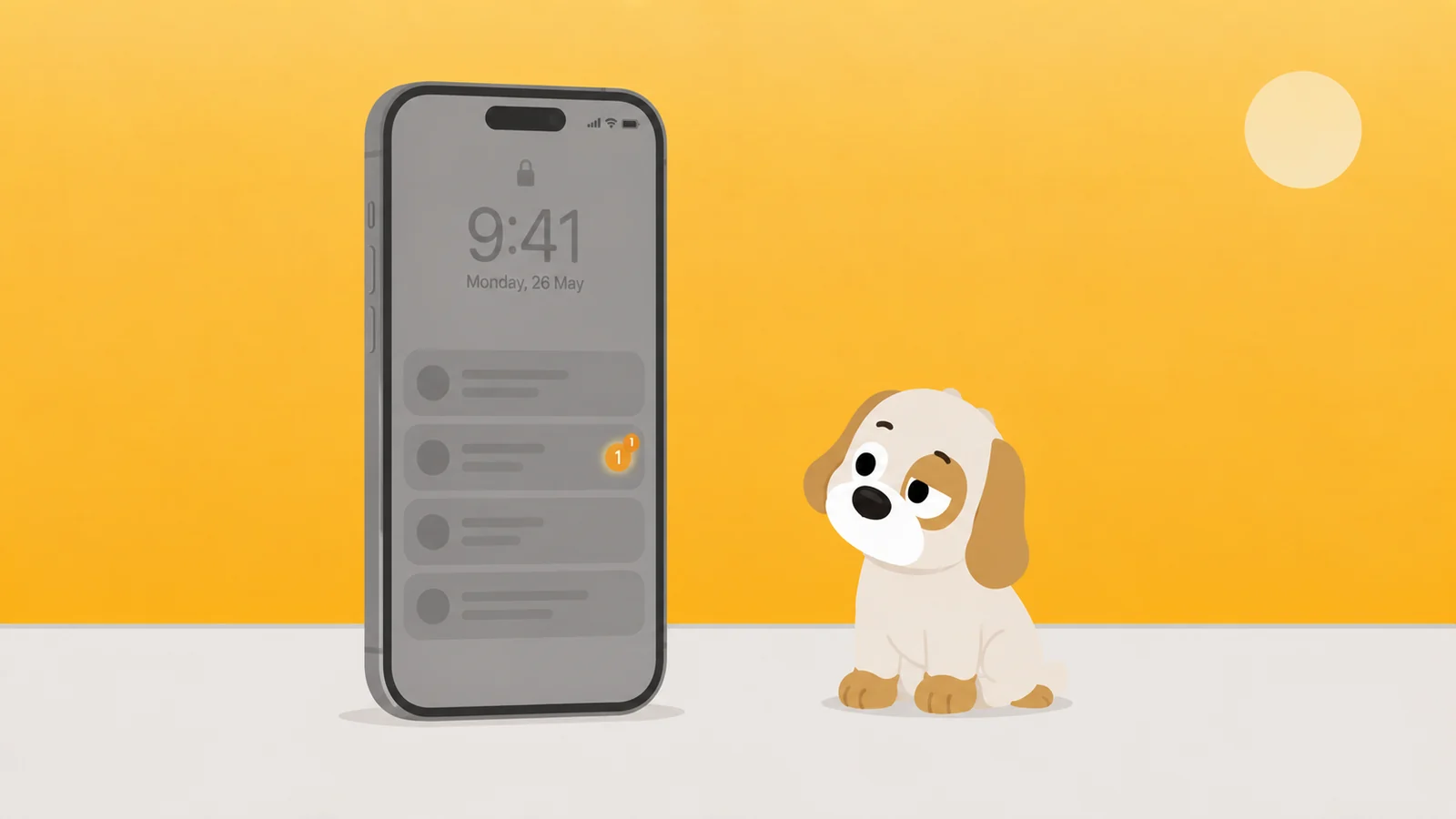
You turned your phone greyscale about three weeks ago, turned it back one evening because you wanted to look at a photograph properly, and it has been in colour ever since.
That is the ordinary outcome, and it is not a failure of nerve. Greyscale (grayscale, if your phone was sold to you in America) is the most shared screen time tip there is, and it is shared with a confidence that nobody has earned. It does something. It does not do the thing it is advertised to do, and the reason why is specific enough to be useful.
The tip is older, and much surer of itself, than anything measuring it
The advice arrived through technology critics and newspaper columns before anyone had watched a phone for sixty days to see what happened. The logic is genuinely elegant: apps are drawn in saturated colour on purpose, colour is engineered to pull, so drain the colour and drain the pull. Elegant logic is exactly how weak advice survives, because a chain of reasoning that feels tight gets passed along as though it had been checked.
There is real work on this. The published trials I am aware of are small, run mostly on university students, and run for days rather than months, with some of the outcome measured by asking people. Take them entirely at face value and what they support is a drop in minutes during a short trial. That is a narrower claim than the one in your group chat. I have not gone back to the papers for this piece, so do not take a figure from me that I have not put in front of you.
There is a general problem with short trials too: changing anything about a phone reduces use of it for a week. Move your apps to a different home screen and your minutes fall. The number worth knowing is the one at day sixty, and it is almost never collected.
Colour is the garnish, not the meal
Take the last ten times you unlocked your phone and try to name what you were going to look at. Most people cannot, because most pickups are not aimed at anything. They are aimed at a question: has anything happened, has anyone replied, is there something new. Greyscale answers none of that and interferes with none of it.
It gets worse when you look at where the minutes go. Messages, mail, group chats and most feeds are already mostly text and faces. Text is unaffected. Faces read fine in grey, which is why photography managed seventy years without colour. The apps that lose most to a colour filter are shopping, video and games. The apps that lose least are, roughly, the ones eating your evening.
You took the paint off the gate. The gate still opens.
The join where it breaks is a single tap
Greyscale lives at Settings > Accessibility > Display & Text Size > Color Filters. Left there it is unliveable, because sooner or later you need to see a photo, a chart, a map, or which wire is red. So everyone does the sensible thing and binds it to a triple-click of the side button at Settings > Accessibility > Accessibility Shortcut.
That shortcut is what makes greyscale possible to live with, and it is the same thing that makes it worthless as a rule. The moment you want the colour back, it costs you three clicks and no thought. There is no gap between the wanting and the undoing.
Anything you can undo in the second you want it undone is not a limit. It is a preference.
This failure has a twin inside iOS, which is the clearest way to see it. Set an App Limit at Settings > Screen Time > App Limits with no Screen Time passcode in place, hit the limit, and the screen offers you Ignore Limit For Today. One tap. It also offers One More Minute and Remind Me in 15 Minutes, which are the polite versions of the same thing. Block at End of Limit only appears once a Screen Time passcode exists. Until then the limit is a notification with extra steps, and people conclude that App Limits do not work, when what does not work is a fence with no latch.
Greyscale is that fence permanently. There is no passcode you can put behind a colour filter. The undo is always free, and it does not even feel like breaking a rule, because you have a perfectly good reason: you wanted to see the photo.
The three things greyscale genuinely does
It defuses the red dot
A notification badge does its work almost entirely through the colour. The number is nearly incidental. In greyscale the badge still says four, and it stops shouting it. This is the effect people are probably feeling when they say greyscale helped, and it is worth having on its own. Pair it with Settings > Notifications > Scheduled Summary and you have taken most of the alarm out of a lock screen without limiting anything at all.
It taxes grazing and leaves errands alone
Maps, a boarding pass, the bank, the calendar and a train time all work just as well in grey. Scrolling a shop or a video feed gets noticeably duller. Greyscale is not a limit, but it is a mild, uneven tax that lands almost entirely on the browsing and almost not at all on the using. Most interventions have no such aim.
It is a note you left for yourself
Every unlock shows you, without saying anything, that at some point you decided something about this. That is not nothing. A sign is a real object. It is also not a fence, and the entire problem with the greyscale tip is that it is sold as a fence.
A sign is honest work. I have simply never seen one stop anybody.
Keep the sign, then build the fence somewhere else
The rebuild is not "stop using greyscale". It is: demote it to the job it is good at, and put the cost somewhere a colour filter cannot reach.
- Find out where the minutes actually are.
Settings > Screen Time > See All App & Website Activity, then the Week tab. Guessing is how people end up limiting the wrong app for a month. - Look at Pickups before you look at minutes. They are on the same screen. Minutes tell you how long the evening went; pickups tell you how many times the evening got interrupted, and the second number is usually the one ruining things.
- Set the passcode before you set the limit.
Settings > Screen Time > Use Screen Time Passcode, which becomes Lock Screen Time Settings once one exists. Do this first or the limit you set next is a suggestion. - Then add the limit, and add the website with it. An App Limit does not cover the browser version of the same thing unless you put the domain in the Websites field inside that limit. This catches out almost everybody once.
- Put greyscale back on the triple-click and leave it there. It is now your badge softener and your reminder, not your rule, and it can be switched off for a photograph without anything collapsing.
An App Limit attaches to an app. Delete the app and the limit detaches; reinstall and you get a clean one. Close that loop at Settings > Screen Time > Content & Privacy Restrictions > iTunes & App Store Purchases > Deleting Apps > Don't Allow.
What a real cost looks like, since this is why we built a dog
Everything above is the same idea from different angles: the thing that makes a limit work is not how clever it is, it is what it costs to get out of. Greyscale costs nothing. An App Limit without a passcode costs nothing. An App Limit with a passcode costs you a trip to Settings and a passcode you deliberately made annoying, and that is the whole difference between the two.
Scrappy is our attempt to make that cost something other than misery. He has three rules and no others: quiet hours, a daily limit, and a limit on how many times you open a thing. When you hit one he stands in front of it, and he escalates if you keep pushing, from polite to surprised to firm to a flat "No." to genuinely wounded. You can get past him with a treat, and a treat buys five minutes. Treats are earned by walking, roughly two thousand steps for one, and they are never sold and never will be. That is the point. The cost is real and it is paid in the world rather than in guilt.
You set how hard he is per app. Negotiable takes the treat. Firm makes you sit with it for ten seconds first. Absolute means he will not take the treat at all, which is the setting for the app you already know the answer about. There is one emergency pass a month with no scolding attached, because rules that cannot bend get deleted. And the removal lock takes a full day to switch off, deliberately longer than an urge lasts, which is the exact protection greyscale can never have.
Take the colour off if you like. I will still be at the door.
There is no account and no sign-up, and none of it reaches a server of ours: Screen Time is drawn by a sandboxed Apple extension that cannot phone home. The free tier is one whole rule, uncrippled, plus every safety rail.
Greyscale is a sign, not a fence
Keep it for what a sign does: it dulls the badges and it reminds you that you decided something. Put the actual cost somewhere the triple-click cannot reach.
What he'd do
- Turn greyscale back on tonight, bind it to the triple-click, and stop asking it to be a rule. It is the notice board.
- Set the Screen Time passcode before setting any limit, because without it the limit offers Ignore Limit For Today and that is the end of the limit.
- Open the Week tab and read Pickups, not minutes. Fix the number of times the evening got interrupted and the minutes tend to follow.
Checked against
- iOS settings paths and Screen Time behaviours taken from this site's verified reference file, which earlier writers checked against Apple's documentation. Not re-walked on a device for this piece.
- The
Color FiltersandAccessibility Shortcutpaths are single-source in that file, and hedged here accordingly. - The greyscale research is described in shape rather than in figures, precisely because the papers were not re-read for this article. Treat any specific number quoted elsewhere as something to check.
- Scrappy's behaviour, pricing and privacy claims are from the product's own reference file. The Mac app has not shipped.
Or put a dog on the door.
Free to start, one whole rule, every safety rail. He does not know your passcode and does not want it.
Get Scrappy on the App Store