
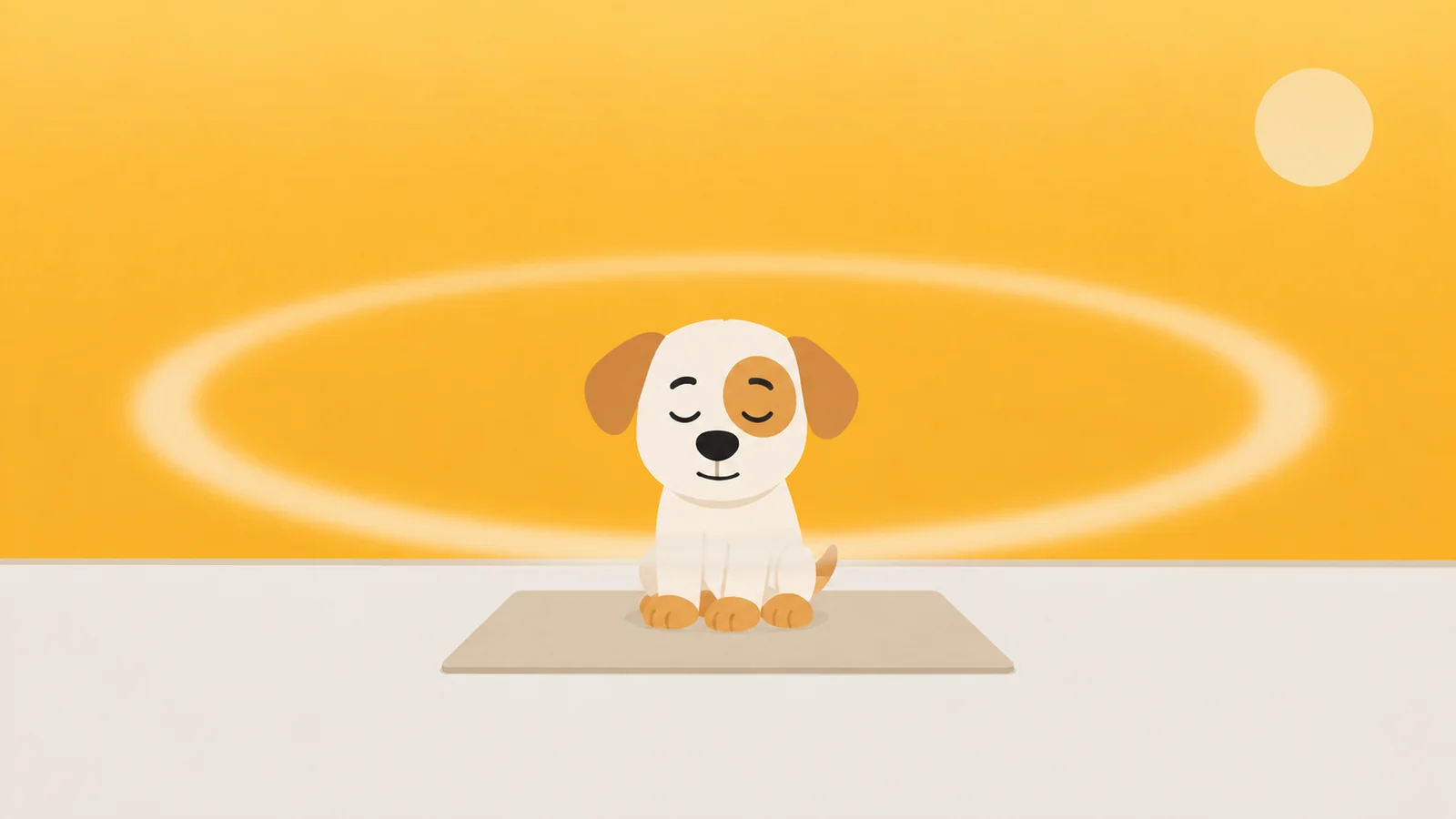
You took the breath, sat through the countdown, and opened it anyway.
Nothing malfunctioned. That is the app doing exactly what it was built to do, which is the thing people get wrong when they go hunting for a one sec app alternative at half past eleven. A pause is not a lock and was never sold as one. It is a question asked at the door. Tonight you answered it.
So the useful question is not whether the pause works. It does, and there is better evidence for it than for anything else you could install this evening. The useful question is which of two quite different failures you actually have, because the pause fixes one of them almost completely and does not lay a finger on the other.
The first failure is the reach. Your hand goes to the phone in a lift, in a queue, in the four seconds between closing one document and opening the next. No decision was made. If someone had stopped you and asked what you were opening it for, you would have put it down, slightly embarrassed.
The second failure is the evening. It is 11:15, you know precisely what you are doing, you have known for forty minutes, and you are doing it anyway. A decision was made. You made it. You would make it again if asked, and being asked is not going to help.
How to tell which one is yours, tonight
Keep a tally for one evening. Two columns in Notes. Left column: every time the interruption appeared and you backed out. Right column: every time you sat through it and went in anyway. No score, no goal, no streak.
The number to hold it against is 36 per cent. That is how often people in the published trial below abandoned the app after the interruption appeared. If your evening lands anywhere near it, the pause is working as designed and your problem is the reach. If you went in nine times out of ten, your problem is the evening, and nothing about breathing is aimed at it.
The pause has better evidence behind it than anything else in this category
This deserves saying plainly, because comparison pages tend to skip it on their way to the recommendation.
In February 2023, PNAS published a field trial of one sec. Two hundred and eighty people, six consecutive weeks, actual behavioural data rather than a survey about how people felt afterwards. On average, 36 per cent of attempted opens were abandoned once the interruption appeared. By the end of the six weeks, participants were opening their chosen apps 57 per cent less than when they started.
Two honest caveats, and then let it stand. The app's developer is a co-author, which you would want to know before you quote the number at a dinner party. And everyone in the study had chosen to install a self-nudge app, so they are not a random slice of humanity, they are a slice of people already trying. Both of those things are equally true of every other app in this market, and not one of the others has a peer-reviewed field trial at all.
The mechanism is not mysterious either. The reach is a motor habit with a small reward stapled to the end of it. You cannot argue a motor habit out of happening, because there is nobody in there to argue with. What you can do is put something in the path of the hand so the movement has to finish as a decision. Once it is a decision, you get a vote. Thirty-six times in a hundred, you use it.
Thirty-six out of a hundred is a real number. Nobody in this business should be sniffy about it.
It is also the only kind of blocker you will still be running in March
This is the strongest thing anyone can say for the pause, and it is stronger than the study.
Hard blockers have a failure mode that has nothing to do with willpower. You turn them off. Not at eleven at night in a moment of weakness, but on a Tuesday afternoon, when the lockout catches you holding a boarding pass, or a two-factor code, or a message from someone standing outside a hospital. The tool made your week worse once, at the worst possible moment, and after that you do not quite trust it. Nine days later it is off, and it stays off.
A pause has never made anybody's week worse. It costs seconds. It always lets you through. It does not hold a passcode over you and it never picks a fight in front of other people. That is why people keep it, and a gentle tool you still run in March beats a strict one you ran for nine days in January. If this is your fourth blocker this year, the pattern is the problem, not the strictness.
Where the pause wins outright, and you should go and install one
If the tally came back near a third, stop reading this page. Your problem is the reach, the reach is the thing a breath was built for, and you will get more out of twenty minutes of setup than out of any comparison article including this one. Pick the interruption that annoys you least, put it on your three worst apps, and leave it alone for a month.
The one sec versus ScreenZen question, if that is the shortlist you are on, mostly comes down to what you want on top of the breath. one sec sells range: a dozen kinds of interruption, from a breathing animation to typing random text to a short written reflection, so that the thing in your way stays annoying instead of becoming wallpaper. ScreenZen is free, and it puts a ceiling next to the pause: a wait timer that can grow each time you open an app, plus a limit on how many times a day you may open it at all. That second thing matters, and we will come back to it.
The other sixty-four per cent
Now the turn, and it is arithmetic rather than opinion.
Thirty-six per cent of attempts were abandoned. Which means that in the other sixty-four, the interruption appeared, did its entire job, converted the reach into a decision, and the decision was yes. That is not a defect. The pause is a filter, and it is a good one. It catches the reaches and it passes the intentions, which is precisely what it was designed to do.
The trouble is that at 11:15 you are not confused about whether you want to open TikTok. You are the clearest you have been all day.
A toll you can always afford is not a toll. It is a queue.
Look at what the pause charges you. Ten seconds. A breath. Four lines of typing. Every one of those is paid in time and attention, and eleven at night is the one moment in the entire day when you have an unlimited supply of both. You are not busy. Nobody is waiting for you. The interruption asks for the one currency you are rich in.
And it does not stay expensive. The first week, the countdown is an event. By the third week it is a loading screen, and you have learned to look at the ceiling while it runs. The interruption is still working perfectly, in the sense that it appears every single time. It has simply stopped costing you anything, which is the same, from the phone's point of view, as not being there.
Ten seconds is not a price. At eleven at night, ten seconds is all you have got.
The door you installed is a door you can uninstall
There is a second, quieter problem, and it applies to everything in this category including us.
An interruption on an iPhone arrives one of two ways. Either a Shortcuts personal automation fires when you open the app and sends you somewhere else, or the app uses Apple's Screen Time frameworks to draw a shield over the one you tapped. Both are genuinely clever. Both are also removable by the person they are protecting, in under a minute, without a passcode: the automation sits in the Shortcuts app under Automation and deletes with a swipe, and the shield goes away the moment you delete the app drawing it.
You do not need to be told how to do that, and it is not a secret. What matters is the fix, which is the same everywhere: find the setting in whatever you already run that makes the tool hard to remove, and turn it on now, this morning, while you do not want to remove it. ScreenZen calls its version lock mode. Ours is a removal lock. If the app you use has one and you have not switched it on, that is the highest-value thirty seconds available to you today, and it does not matter which app you end up with.
A guard is a decision you already made, enforced by someone who was not in the room
Here is the thesis, finally, in one line. The difference between a pause and a guard is not strictness. It is timing, and it is currency.
A pause asks the question at the exact moment you are least equipped to answer it. A guard takes the answer you gave this morning, on a train, mildly bored and entirely reasonable, and holds it up in front of you at eleven at night. The version of you who set the rule is not available for comment, and that is the whole trick. It is the same reason people give their passcode to a partner and it works annoyingly well.
Currency is the other half. If the cost of getting in is time, and eleven at night is made of nothing but time, the price is zero. A guard has to charge you in something you cannot mint on the spot.
This is the point in a comparison article where we admit that we make one of these, so: Scrappy is a small dog who stands in front of the apps you name. He knows three rules and no more. Quiet hours, a daily limit, an open limit. Knock once and he is polite about it. Knock a fourth time and he is standing on the doorknob barking his little head off, because a countdown that is identical on the ninth attempt is quietly telling you the ninth attempt was the same as the first, and you both know it was not.
Getting past him costs a treat, and a treat costs roughly two thousand steps. Not ten seconds. Steps, walked earlier, in the world, by your actual legs, and a treat buys five minutes. Treats are never sold and never will be. That is not us being coy about a paywall, it is the entire argument: the moment you can buy the toll, it stops being one. Each app you name gets a resistance level too. Negotiable opens for a treat, firm makes you sit for ten seconds first, and absolute means he will not take the treat at all, which is the honest way of saying no rather than pretending to negotiate.
The rest is the safety rails that stop it becoming the tool you switch off in March. An emergency pass, once a month, no scolding. The removal lock above, whose off switch takes a day, deliberately longer than an urge lasts. No account, no sign-up, and no server of ours: your Screen Time is drawn by a sandboxed Apple extension that cannot phone home. One whole rule, uncrippled, is free. Pro is $19.99 a year, $4.99 a month, or $39.99 once, and if you want a ceiling for nothing at all, ScreenZen genuinely is free and we are not going to pretend otherwise.
Two things we cannot do. He is on the iPhone, and the Mac app is not out yet, so the laptop two feet away is still an open door tonight. And if your tally came back at a third, he is not what you need. Keep the breath.
What he'd do
- Run the tally for one evening. Two columns, backed out and went in. It takes no effort and it settles the whole question, because the reach and the evening need opposite tools and most people are guessing which one they have.
- Turn on the anti-removal setting in whatever you already use. Do it in the morning, before you want it gone. Thirty seconds, and it is the difference between a rule and a suggestion.
- Set the number while you are not holding the phone. Six opens a day, or forty minutes, decided at breakfast. Settings, Screen Time, App Limits will do it for free, and the number chosen at breakfast is the only honest one you will get.
If seconds are not enough, try steps.
Free to start, one whole rule, every safety rail. Treats are earned by walking and are never sold.
Get Scrappy on the App StoreChecked against
- Grüning, D. J., Riedel, F., & Lorenz-Spreen, P. Directing smartphone use through the self-nudge app one sec. PNAS, February 2023. 280 participants, six weeks. The 36 per cent dismissal figure and the 57 per cent reduction after six weeks are both from this trial. Read 26 August 2026. One of the three authors builds the app.
- one sec's own website and App Store listing, and screenzen.co, read 26 August 2026, for the intervention types, the wait timer and the daily open limit. Feature sets in this category move monthly, so check before you buy. Competitor prices are deliberately not quoted here for the same reason.
- The two delivery routes described above (a Shortcuts personal automation, and Apple's Screen Time frameworks) are how these apps work on iOS generally. That an app-open automation can be deleted from the Automation tab of Shortcuts, and that removing an app removes the shield it was drawing, are both properties of iOS rather than of any one product. Reasoned from Apple's documented behaviour of those frameworks, not walked on a device for this piece.
- Settings › Screen Time › App Limits, checked against Apple's own Screen Time documentation for iOS 26.