
Your Opal renewal says $99.99 and you have been looking at it for a week.
So before the list of Opal alternatives, the paragraph that will save about a third of you a whole Saturday. If you have not tapped your way past an Opal block in the last seven days, do not switch. Not for the money, not for a nicer icon, not because you read a comparison post at midnight. The rule is holding. Holding is the entire product. Nothing below sells you a holding rule for less trouble than you are about to cause yourself.
Because the cost of switching is never the new subscription. It is the rebuild. Rules do not export from one blocker to another, so you delete the thing that was working, spend a Sunday picking apps and hours again in something whose defaults are set for somebody else, get two of them slightly wrong, and find out on Wednesday. Plenty of people never finish that rebuild. They end up with no blocker at all and a marginally better opinion of themselves for having tried.
A rule that works and annoys you is still a rule that works.
Say which of the three things is actually wrong
There are only three complaints about Opal, and they want completely different answers. Whether the Opal app is worth it to you turns entirely on which one you are holding.
The price. Their own pricing page today: $99.99 a year, or $19.99 a month, or $399 once. Students get up to half off. That is the top of the market by a distance, and not one app below charges half of it.
The strictness. You keep getting past it. Worth noticing that the same pricing page sells No Unblocks and Harder Blocking Difficulty as Pro line items, which tells you plainly what the softer setting is there for.
The vibe. The Score, the streak, the leaderboard, the milestones you can share with friends. Some people are genuinely carried along by that. Some people find that being handed a daily grade by a phone is precisely the thing they were trying to get away from.
Pick one before you read on. People who pick all three are usually picking the third.
Every price here is the US App Store on 26 August 2026, and it is the first thing in this post that will go stale. Where a figure here and the app's own store page disagree, the store page is right and this page is old.
If the complaint is the price, the floor is free, and free got good
Apple Screen Time. Already on the phone, costs nothing, and if what you actually use Opal for is one quiet window in the evening, this does that. Settings › Screen Time › Downtime, set the hours, then turn on Block at Downtime. Then go back and set a Screen Time passcode, four digits you do not use anywhere else, because without one a blocked app is a dimmed icon you can simply tap through. Ninety seconds, both parts.
What you give up is honesty about how easy it is to get around, and there are more ways than you would guess. We counted them one at a time in the ranked post, which exists mostly so nobody has to take our word for this.
ScreenZen. Free, with optional tips between $5 and $40 and no subscription anywhere in it. It sits at 4.9 stars across roughly 48,000 ratings, which is a larger rating count than most paid apps in this category manage. It delays an app opening, interrupts a scroll, holds per-app limits, and locks its own settings. If you cancelled Opal today and installed exactly one thing, this would be a defensible choice rather than a compromise, and it has a specific ceiling worth knowing about before you get there.
If the complaint is that you keep getting past it, stop shopping for settings
Jomo. $29.99 a year, $5.99 a month, or $99.99 once. Its Strict Mode holds a block across days rather than hours, and its Locks make you finish something before an app will open. If Opal's Deep Focus is the only part of Opal you actually use, this is roughly the same idea for under a third of the money.
Brick. $59 once, no subscription ever, and it is barely an app. It is a small physical tile. You tap the phone against it to start, the chosen apps go away, and they stay away until you walk back to the tile and tap it again. Leave it at home and your block has stopped being a setting and become geography. It wants iOS 17 or later. It is the hardest thing on this page to cheat, and it fails in exactly one way, which is that the tile is upstairs and so, at half eleven, are you.
You are not shopping for a stricter app. You are shopping for a version of yourself who does not have the password.
Every app here has a way out. Nobody forgot to close it. Somebody drew that button on purpose.
If the complaint is the vibe, decide which vibe
one sec. $19.99 a year, $2.99 a month, or $99.99 once. It does not block. It makes you take a breath for a few seconds and then asks whether you still want to go in, and a surprising share of the time the answer turns out to be no. There is no score, no streak and nobody to beat. If your complaint about Opal is that it is loud, this is the quietest thing in the category by some way. It also will not stop you at 11:40pm once you have properly decided, and it has never pretended it would.
Forest. Free, with paid tiers on top. You plant a tree and the tree dies if you leave the app. It moves people that a grey wall does not move, which is worth taking seriously rather than smirking at, because wanting to stay is a much better engine than being unable to leave.
Its ceiling is where every timer's ceiling is. The tree does not know what you did. It knows you stayed in the room.
Something should be able to tell the difference between working and staring at the wall.
The six Opal alternatives and Opal, on one page
| App | What it costs | What it is good at | Where it gives up |
|---|---|---|---|
| Opal Pro | $99.99/yr | Most features, best polish | Price, and an override you own |
| Apple Screen Time | Free | One quiet window, in 90 sec | Nine ways round it |
| ScreenZen | Free, tips | Per-app friction, done well | No hard wall, by design |
| Jomo | $29.99/yr | Blocks that hold across days | Still a slider you control |
| Brick | $59 once | The strongest stop here | The tile is upstairs |
| one sec | $19.99/yr | The unthinking open | Never a stop |
| Forest | Free, then paid | Making you want to stay | Guards nothing |
Which of the three paths you are actually on
Renew. If the last column made you shrug, and the block held all week, pay the $99.99 and stop reading comparison posts. That is not a defeat. It is a working habit with a bill attached, and habits are considerably more expensive to rebuild than they are to keep.
Go free and be honest about it. If the money is genuinely the whole complaint, ScreenZen plus a Screen Time passcode gets you most of what you were paying for at no cost at all, and what you lose is measured in how quickly a determined evening gets round it. That trade is fine as long as you make it knowingly, and what each free tier is holding back is worth ten minutes before you commit.
Change what the override costs. This is the one nobody sells you, and it is the one most people on a renewal screen are looking for without having the words for it.
The column the comparison posts never write
Read that last column again. Every app on the list can be got past, and in almost every case the price of getting past it is paid in the same two currencies: a few taps, or a few dollars.
At 11:40 at night you have unlimited quantities of both. That is the whole problem, and it is why the one thing on the list that genuinely holds is the one that charges you in walking to the kitchen.
Brick works because the toll is physical and cannot be paid from the sofa. It costs $59 and it is a real answer. Its weakness is that it is a separate object, and separate objects get left in coat pockets.
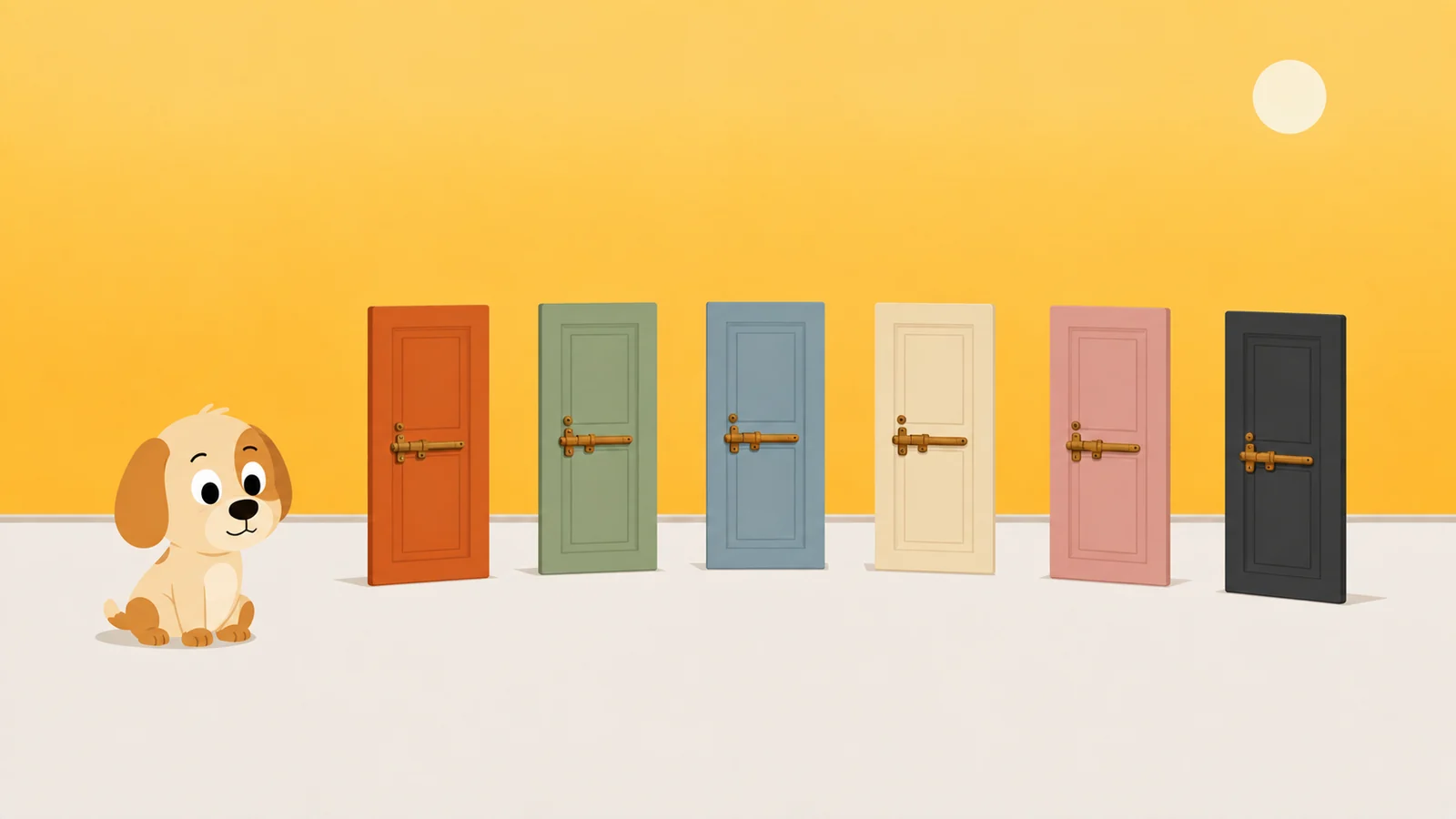
Which is roughly how we ended up making a dog.
Scrappy stands in front of the apps you name. He is not a difficulty slider. First knock, he is polite about it. Fourth knock, the shield is one word set very large: No. Fifth, he is theatrically wounded, which is worse. Getting in costs a treat, and treats come from walking, roughly two thousand steps for one, and one buys five honest minutes. We do not sell them. We are never going to sell them. His affection cannot be bought, only walked for, and that sentence is the reason the whole thing works: the toll is physical, like Brick's, but the object you have to go and find is your own legs.
Every guarded app gets a resistance level. Negotiable opens for a treat. Firm makes you sit for ten seconds first, long enough to notice you did not really want it. Absolute means he will not take the treat at all, and you can stop offering.
Three rules, because three is all anyone needs: quiet hours, a daily limit, an open limit. There is a removal lock for the eleven o'clock delete-and-reinstall loop, and switching it off takes a day, which is deliberately longer than an urge lasts. There is one emergency pass a month, for boarding passes and real emergencies, and he does not scold you for using it. There is no account and no sign-up, and none of your numbers leave the phone: Screen Time is drawn by a sandboxed Apple extension that cannot phone home.
On price, since that is what brought most of you here. Pro is $19.99 a year, $4.99 a month, or $39.99 paid once and never again. Against $99.99 a year and $399 once, that is a fifth and a tenth. The free tier is one whole rule, not a hobbled one, with every safety rail switched on, which is a slightly different offer from a free tier that keeps the unblock button in the paid column.
And the paragraph where they win, because leaving it out would make the rest of this worthless: Opal's own pricing page lists iOS, Android and Mac. Scrappy is an iPhone app. A Mac version is being built and has not shipped. Until it does, if the laptop two feet away is where your evenings actually go, none of your money should come here yet.
What he'd do
- Set the Screen Time passcode before you cancel anything. Ninety seconds, four digits you do not use elsewhere. Every app on this page is stronger with it and quietly weaker without it, including the one you are already paying for.
- Write down the last three times you got past Opal, and how. If all three were you tapping a button inside Opal, the app was never the problem. The problem is that the button exists and it is yours.
- Do not switch on a weeknight. Rebuild on a Sunday morning with the calendar open, name the hours first and the apps second, and finish it in one sitting. A half built rule set guards nothing at all.
Cheaper than Opal, and harder to talk round.
Free to start, one whole rule, every safety rail. Treats are earned by walking and are never sold.
Get Scrappy on the App StoreChecked against
- opalapp.com/pricing and the Opal listing on the US App Store, both read on 26 August 2026, for the $99.99, $19.99, $399 and student figures and for which features sit in the Pro column.
- US App Store listings for ScreenZen, Jomo, one sec and Forest, read the same day, for in-app purchase prices, rating counts and OS requirements.
- getbrick.com, read 26 August 2026, for the $59 one-time price, the no-subscription claim and the iOS 17 requirement.
- The Screen Time path was walked on an iPhone running iOS 26 rather than copied off a support page. Opal's platform list is quoted from Opal's own pricing page and was not tested on a Mac or an Android phone.