
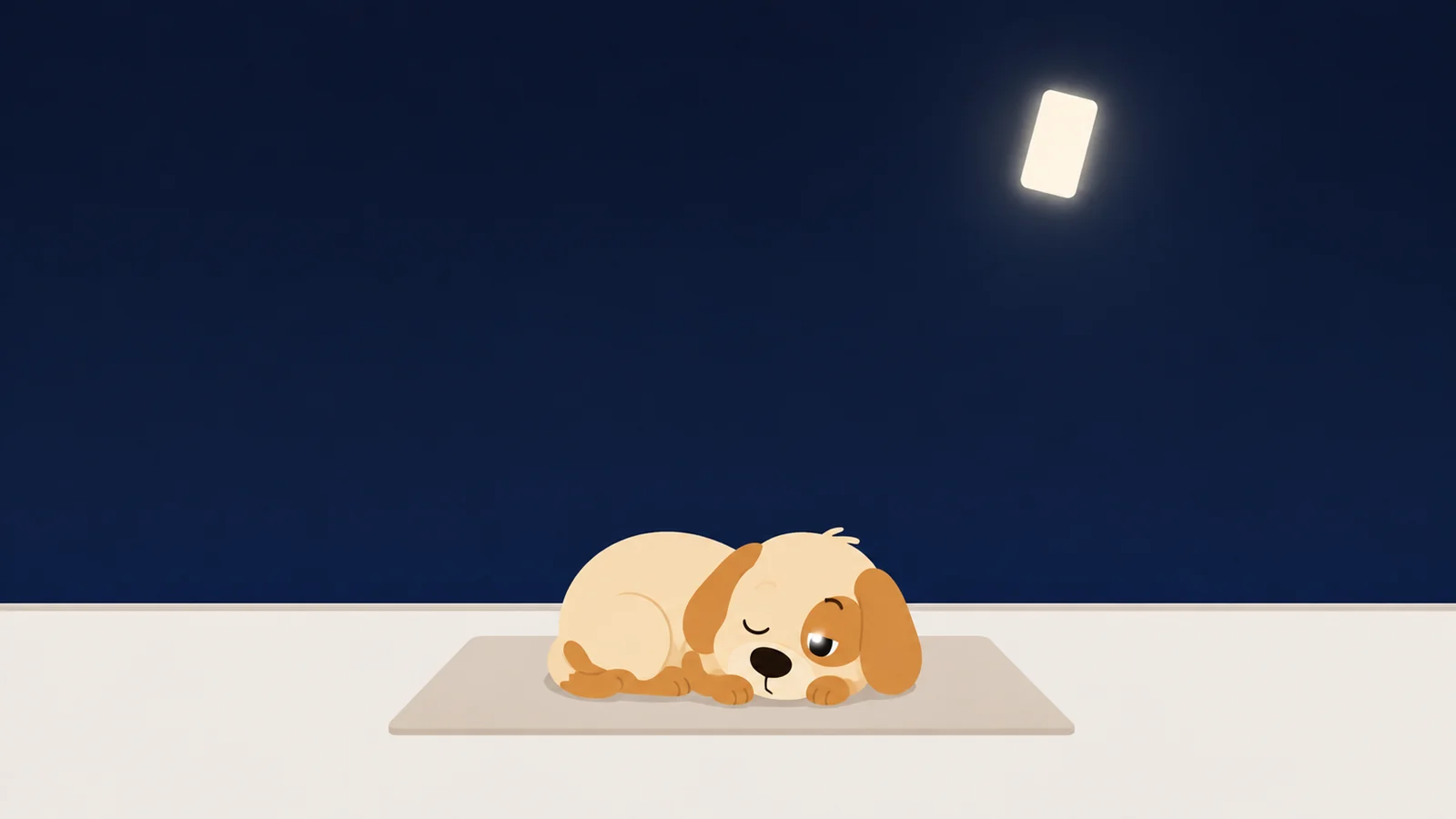
It is 1:14 in the morning and you do not remember picking the phone up.
Almost everything written about why you scroll on your phone at night is about a different night from the one you are having.
It is about the night that never ended. Nine became ten, ten became half past eleven, and you were conscious the whole way through, making a run of small decisions you would not have made at three in the afternoon. That night is real, it is the more common of the two, and it has a clean fix: a fence, a rule that lands in the middle of the evening and cuts it.
This is not that night. You went to bed. You put the phone down at a time you could name if somebody asked. You were asleep, properly asleep, for two hours. Then you were not asleep, and the phone was already lit and already three swipes in, and none of that felt like a choice because none of it was one. You did not stay up scrolling. You woke up scrolling.
Before you change anything, find out which of the two you have actually been doing. It takes under a minute, and a lot of people are wrong about it.
Which night you are having, and how to check in forty seconds
Go to Settings, Screen Time, then See All App & Website Activity. At the top of that screen there is a Day tab. Tap it. The chart underneath is one bar per hour of that day, and the calendar strip above it pages back through the last few days.
Now look at the right-hand end of it.
A still-awake night is a slope. Bars at nine, ten, eleven, midnight, each one a little shorter than the last, tailing off into nothing. One continuous block with no gap in it, because there was no gap in you.
An awake-again night is a slope, then two or three completely empty hours, then a single thin tower standing on its own at one, or two, or half past three. The empty hours are the sleep you actually got. The tower is what this article is about.
That gap is the entire diagnosis.
| The tell | Still awake | Awake again |
|---|---|---|
| On the hourly chart | One unbroken slope from about nine to whenever you stopped. | A slope, empty hours, then one tower at 1, 2 or 3. |
| What you remember | Most of it, including deciding to keep going. | Very little, and not the moment it started. |
| What it costs | The end of your evening. | The middle of your night, and most of tomorrow. |
| What moves it | A fence, set earlier in the evening than feels necessary. | Arrangements made hours in advance. Nothing you do at the time. |
Nobody does this on purpose at one in the morning. That is precisely what is wrong with it.
If you have met the four profiles, this is the Midnight Scroller, and it is the one people are most embarrassed about. Mostly because it does not feel like a habit. It feels like something that keeps happening to them.
The strongest objection to all this is also correct
The phone did not wake you up.
Brief wakings in the night are ordinary. Everybody surfaces between sleep cycles, several times, most nights, and almost none of it is ever remembered, because most of those wakings are too short to become a memory at all. If you are waking at 1:14 you would also have woken at 1:14 in a stone cottage with no wiring in it. Nothing on your home screen is responsible for that.
So the claim here is narrower, and it is the only claim worth making. The phone did not wake you. The phone is what turned a four-minute waking into a fifty-minute one.
You were awake for four minutes. Then the screen came on, and it was fifty.
Which is also why so much advice about the hour before bed slides straight off this particular night. That advice is aimed at the waking. The waking is mostly not fixable and mostly does not need fixing. The ninety seconds after the waking is fixable, and that is a far smaller job than the one you thought you had.
If you are waking most nights and then lying there for an hour whether or not the phone is in reach, that is a different problem and it belongs with a doctor rather than with an app. Nothing on this page treats anything.
At one in the morning you are not making a decision
There is a name for the state you wake up into. Sleep inertia: the stretch after a waking when you are behaviourally capable and cognitively not. You can unlock a phone. You can find an icon you have found ten thousand times, in the dark, without looking straight at it. What you cannot reliably do is form a plan, weigh one consequence against another, or hold on to the fact that you decided anything, which is why the whole session leaves so little behind.
Which matters here for one reason. A rule fires at 1:14 exactly the way it fires at 9:40, and nothing about a schedule cares what condition you are in when it goes off.
The rule goes off either way. What changes is whether there is anybody home to hear it.
At 9:40 you are a fully awake adult. You read the screen, feel a flicker of annoyance, and decide. Fairly often you decide to go around it, and going around it is easy, because a fully awake adult is extremely good at getting into a room they own the keys to. At 1:14 you read nothing and decide nothing. If the app opens, you are gone for fifty minutes. If it does not open, you usually just put the phone down, because arguing with it is work, and work is exactly the thing you do not currently have.
The part that is quietly on your side
At one in the morning you have enough left to tap a familiar icon and almost nothing left over. You are not going to open Settings, walk down to Screen Time, recall a four-digit passcode you deliberately made awkward, and type it in. That is planning, and planning is the thing that is offline.
So an obstacle your nine-forty self would step over in eleven seconds is genuinely effective at one. Not because it got stronger. Because you are not there to beat it.
So all of it has to be arranged in advance, by the version of you reading this
Nobody can talk you out of anything at 1:14, including you. So the whole thing has to be built now, in daylight, on the assumption that whoever walks into it will be a stranger carrying none of your reasons.
The version of you who can fix this is awake right now. He clocks off at eleven.
Three arrangements, in order of how much they change the hour.
Stop the phone producing light on its own. Settings, Display & Brightness, turn off Raise to Wake. Settings, Accessibility, Touch, turn off Tap to Wake. If your iPhone keeps the clock showing when the screen is supposedly off, that is Always On Display, and it is back in Display & Brightness. Two minutes for all three, and it is the highest-value thing here, because most one-in-the-morning sessions do not begin with a person deciding to look at something. They begin with the phone showing something to a person who was only rolling over.
Make it need your eyes open. Settings, Face ID & Passcode, and check that Require Attention for Face ID is on. With it on, the phone will not unlock for a face that is not looking at it, so the half-shut version of you has to open both eyes and aim. That will not stop anybody, and stopping you is not the point. It makes the first move a deliberate one, at the exact moment your supply of deliberate moves is lowest.
Make it need your legs. The charger goes somewhere you have to stand up to reach. Not the far corner of the nightstand, not the floor by the bed. Standing up, both feet down. Everything else on this list buys you seconds. This one costs you the whole crossing from lying down to upright, and that crossing is where a lot of these nights quietly end.
If the chart showed you a slope rather than a tower, none of that is your fix. Yours is the fence, set at the last hour you would still describe yourself as deciding things, which is nearly always earlier than the hour you want to be asleep. There is a piece on what to physically do at half past ten, and another on six settings that make the phone less worth picking up, none of which is an app.
Somebody has to be standing there when you are not
Everything above is arrangement. It changes what the room offers to somebody who is not really present. It does not change what happens on the night that somebody gets past all of it anyway, which they will, because the phone is charging in the hall and they got up and went to the hall.
For that you need something at the door itself. Something that says no at 1:14 without needing you to agree with it, and that stays no while you are in no condition to make it move.
We make one, which you are welcome to hold against everything that follows. Scrappy is a small dog who stands in front of the apps you name. He does not have your Screen Time passcode and does not want it. First knock, he is polite about it. Fourth knock, he is standing on the doorknob barking. Getting past him costs a treat, and treats come from walking, roughly two thousand steps for one, which means whatever is in the jar at one in the morning was put there by a version of you who was outside and upright. We have never sold treats and we never will.
The setting built for this exact hour is the resistance level. Every guarded app gets one. Negotiable opens for a treat. Firm makes you sit for ten seconds first, long enough to notice you did not really want it. Set the app you open at 1am to absolute, and he will not take the treat at all. No price, no wait, nothing to negotiate. Which is the correct shape for an hour when nobody sensible is available to negotiate.
There is a removal lock too, because the move that beats almost everyone at that hour is deleting the app and putting it back twenty minutes later. Turning it off takes a day. That is deliberate: nothing that happens to you at 1:14 lasts a day. And there is an emergency pass, one a month, for boarding passes and the genuine article. He does not scold you about it. He just looks at you.
What he'd do
- Look at the hourly bars before you change a single setting. Settings, Screen Time, See All App & Website Activity, tap Day. Forty seconds, and it tells you which of the two nights you have been having. Not always the one you would guess.
- Turn off Raise to Wake and Tap to Wake tonight. Two minutes, and it takes nothing away from you. All it does is stop the phone starting the conversation while you are still half under.
- Put the fence where you stop deciding, not where you want to be asleep. If you want to be asleep by eleven, the rule starts at half past nine. Eleven is far too late to be asking you anything.
He is awake at one. You are not.
Free to start, one whole rule, every safety rail. No account, and he does not want your passcode.
Get Scrappy on the App StoreChecked against
- Sleep inertia, the transitional state of reduced arousal and impaired cognition on waking, is worst when you are woken out of slow-wave sleep, and is made worse by prior sleep deprivation and by circadian timing. Snooze alarms prolong it. There is no reliable published figure for how long it takes to fall back asleep after checking a phone at 1am; we looked, and rather than invent one this article asks you to time your own.
- Van Dongen, Maislin, Mullington & Dinges, The cumulative cost of additional wakefulness, Sleep 26(2):117-126, 2003, for what a repeated short night costs and why you cannot feel it happening.
- Settings paths read against Apple's own iPhone User Guide and support pages on 26 August 2026: Screen Time daily activity and the Day view, Raise to Wake (Display & Brightness), Tap to Wake (Accessibility › Touch), Require Attention for Face ID (Face ID & Passcode), Always On Display (Display & Brightness). Verified in the documentation, not walked by hand on a device for this piece.
- Checked on iOS 26. Menu names may sit elsewhere if you are on an earlier version, and Always On Display only appears on the models that have it.
- Normal brief night wakings and sleep inertia are described here in plain terms, without a duration attached, because the published figures vary far more than most articles quoting them admit.