
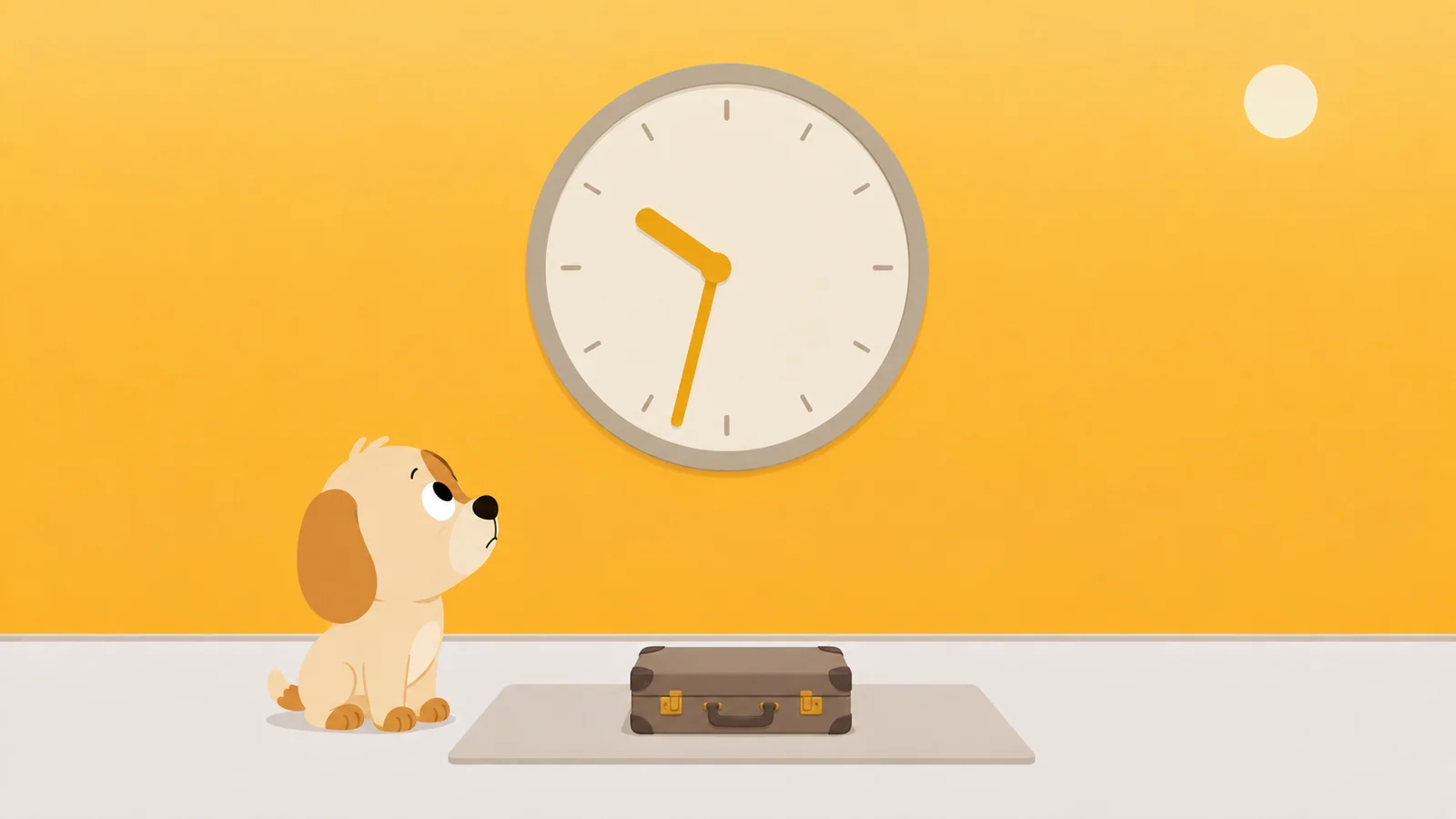
It is twenty to eleven, and you are not tired so much as unfinished.
The day is technically over and you did not get any of it. Not the big things. One hour where nobody needed anything from you, which is the smallest ask on the list and the one the day kept refusing.
So you are taking it now. In the dark, in ten second pieces, from something that will still be handing them out at one in the morning.
This is not the piece that explains it. The name came off Chinese social media, from people describing themselves rather than from anybody's clinic, and the sleep pages have owned the explanation since 2020. None of them tell you what to physically do between half past ten and ten to eleven. So: twenty minutes, in order, with the taps.
Start with the only number that matters tonight
Take the time you actually have to be up. Subtract the amount of sleep that makes you bearable to be near. You know your number. Do not negotiate it downward while you are doing the sum, because that is the negotiation you lose every single time.
Say you are up at 6:50 and seven and a half hours is your number. Your wall is 11:20.
It is 10:40 now. That is forty minutes, and here is the part nobody says out loud: those forty minutes are yours. They are not stolen from anywhere. Nothing has to be handed back in the morning. The only thing on the table is whether you spend them, or whether they get spent for you while you are looking at a thumbnail.
Forty minutes you chose beats three hours that chose you. I have had both kinds of evening.
Why the usual advice slides straight off you
Every version of it lands in the same place: go to bed earlier. Which, translated honestly, means hand back the only hour of the day that nobody else has a claim on.
Nobody complies with that twice. The hour is not the problem. An hour with no shape on it is the problem, and shape is something you can add in about twenty minutes.
10:30. Set the alarm before you decide anything else
Clock, Alarms, the time you have to be up. Not the time you would like to be up.
Do this first because it nails the wall down while you are still the reasonable one. An alarm set at 12:40 is set by a different person, and that person rounds.
10:33. Say what the hour is for, in six words
Out loud, if you are alone. "One episode of the cooking one." "Twenty pages." "The guitar, badly." Six words is the ceiling, because if it takes more than six you have not actually decided yet.
You did not decide to be awake at one. You declined to decide at half past ten.
Notice which things refuse to be named this way. A feed has no unit. You cannot say "six videos" and mean it, because the seventh arrives without being asked for and so does the ninetieth. Anything you can put a number on has an ending built into it, and anything that cannot will keep going until something outside it stops. The test takes four seconds.
10:36. Give it an ending that is not you
An episode has credits. A chapter has a number at the top of the next one. A timer has a noise.
Use whichever of those the named thing already comes with, and if it comes with none, set a timer for the length you just decided. Fifteen seconds of work. You are not doing it because you cannot be trusted. You are doing it because at 11:52 you will not be checking.
10:40. Set the door to shut itself at the wall
All of this assumes the limit is one you are putting on yourself. If the downtime on your phone was set by somebody else, none of it will help you get past it, and it is not trying to. Go and have the conversation instead. That is a worse evening and a better week.
This is the only part with any setup in it. Four minutes, once, and then never again.
- Set a Screen Time passcode. Settings, Screen Time, and scroll down to Lock Screen Time Settings. Pick four digits you do not use anywhere else, so your thumb cannot enter them while your attention is somewhere else entirely. Everything under this step is decorative without it.
- Settings, Screen Time, Downtime, and turn on Scheduled. Choose Every Day, start it at your wall, end it at your alarm. Customize Days exists if Friday is genuinely different, and it is worth being honest with yourself about whether Friday is genuinely different.
- Turn on Block at Downtime. This is the switch the entire thing hangs from. With it off, downtime is a polite note telling you that it is downtime. With it on, the apps do not open.
- Settings, Screen Time, Always Allowed. Anything you would genuinely need at two in the morning stays on that list. Everything else comes off it, including the one you are right now assembling an argument for.
One detail worth having, because it changes how the last stretch feels: five minutes before downtime starts, the phone sends you a reminder. It is the only alarm in this article that arrives without being asked for. Treat it as last call rather than as an ambush and it stops being irritating almost immediately.
10:46. Make the phone worse at being a phone
Two settings, ninety seconds, both reversible in the morning without any thought at all.
Grey first. Settings › Accessibility › Display & Text Size › Color Filters, switch it on, choose Grayscale. Then Settings › Accessibility › Accessibility Shortcut and tick Color Filters. A triple click of the side button now drains the colour out of the whole phone, and three more clicks puts it back.
Grey will not stop you. It stops the phone being fun to lose to, which is not the same thing and is still worth ninety seconds.
Then the light. Open Health, find Sleep, then Full Schedule & Options, and set Wind Down. You can put it anywhere from fifteen minutes to three hours before your bedtime, and Sleep Focus switches on at the start of it rather than at bedtime, which simplifies the Lock Screen so there is less on it asking to be answered. Thirty minutes is a sensible first go. If you would rather have it right now than on a schedule, open Control Center, tap Focus, tap Sleep.
10:49. Start it. That is the whole step
Not get ready to. Press play, open the book, pick the guitar up off the floor.
The gap between deciding and starting is where the phone lives, and at this hour it is about eleven seconds wide.
If you have ADHD, this breaks at step two
Not at the settings. At the naming.
The named thing survives until roughly 11:15, when a better named thing turns up, and that one gets replaced at 11:40, and none of the swaps feels like losing because every one of them was a real decision made on purpose. Nobody here is going to call that a character flaw, and nobody here is your doctor. But two practical changes fall straight out of the procedure above, and both are free.
Write the name down where your eyes will land on it without being asked. Not in a notes app that sits behind the thing you are trying not to open. On paper, on the pillow, on the back of your hand.
And put the ending on the phone rather than in your head. Downtime is doing the timekeeping precisely so that you are not the one estimating how long forty minutes feels from the inside. That is the only reason any of it is on the phone at all.
What to do when it is already ten past one
Because it might be. This was written for half past ten and you are reading it now, which is a small piece of evidence about how the evening went.
Do not do the arithmetic. The wall is behind you, and knowing exactly how far behind will not buy back a minute of it.
Do one thing instead. Set the downtime schedule now, while you are still annoyed. Two minutes. Annoyed has a very short shelf life, and it is the only version of you who will cheerfully hand tomorrow night a passcode.
Then let tonight be a loss. A night you lose on purpose costs less than a night you spend negotiating, and the negotiating is the part that actually keeps you awake.
It is ten past one. Nobody here is disappointed in you. We are all just tired.
Every setting above is a note left for someone who does not read notes
Read back what those twenty minutes consisted of. Every item on the list is you, in a decent mood, arranging the room for somebody who is going to arrive later in a worse one.
Which works, right up to the moment the two of you meet at the door. Screen Time's door is a grey card with your own four digits behind it. You know the digits. Typing them costs nothing, nobody sees it happen, and it is exactly as easy on the fifth night as on the first. No price and no witness. A door with neither is a suggestion with a lock painted on.
So whatever stands there has to be two things the settings are not. It has to not be you. And it has to get harder the more you knock, instead of staying politely identical.
So, the disclosure. We make one. Scrappy is a small dog who stands in front of the apps you name. Knock once and he is polite about it. Keep knocking and he goes surprised, then firm, then down to a single word, then theatrically wounded, and the whole ladder takes about four knocks. He does not have your passcode and does not want it.
His quiet hours rule is the wall from the top of this article: the door is shut between two times that you choose. Getting through it costs a treat, and treats come out of actual walking, roughly two thousand steps for one, which buys five honest minutes. You cannot buy them with money. We will never sell them.
The named hour has a name in there too. A walk is a session you title before you start it: twenty-five minutes to eight hours, "One episode" or "Twenty pages" written on the front of it, with a Live Activity on your Lock Screen counting it down. He guards everything while it runs, so it is the version for when the named thing is not on the phone. The ending sits outside your head, which is the only place it was ever safe.
Each app you hand him also gets a resistance level, which is where the fifth night stops being identical to the first. Negotiable opens for a treat. Firm makes you sit for ten seconds first, long enough to notice you did not really want it. Absolute means he will not take the treat at all. There is an emergency pass once a month and he does not scold you for it, and an optional removal lock that shuts the delete-and-reinstall loophole; turning that one off takes a day, which is deliberately longer than an urge lasts. No account, no server of ours, and your Screen Time numbers are drawn by a sandboxed Apple extension that cannot phone home.
What he'd do
- Do the sum before anything else. Wake time, minus the sleep you actually need. That is the wall, and everything past it is borrowed at a terrible rate. Twenty seconds, and it turns a vague late night into a number.
- Set Downtime to start at the wall, with Block at Downtime on. Four minutes, once. The five minute reminder stops being an ambush and becomes last call, which is a thing you can plan around.
- Name the hour out loud before you unlock anything. Six words. An hour with a name ends when the name runs out. An hour without one ends whenever you happen to look up.
Or let someone else hold the wall.
Free to start, one whole rule, every safety rail. Quiet hours is the one this article is about.
Get Scrappy on the App StoreChecked against
- Apple's iPhone User Guide, checked 26 August 2026: Set schedules with Screen Time (Downtime, Scheduled, Every Day, Customize Days, Block at Downtime, the five minute reminder, Always Allowed), Create and manage a Screen Time passcode (Lock Screen Time Settings), Quickly turn accessibility features on or off (Accessibility Shortcut, Color Filters), Change your wind down period in Health (Full Schedule & Options, Wind Down, fifteen minutes to three hours), and Turn your Sleep Focus on or off.
- Every path above was verified against Apple's own current documentation rather than walked on a handset for this piece. The Screen Time passcode row has carried two different labels across iOS versions, Use Screen Time Passcode during first setup and Lock Screen Time Settings afterwards; if you see the first one, it is the same four digits.
- The phrase itself: 报復性熬夜, bàofùxìng áoyè, "retaliatory staying up late". It surfaced on Weibo around 2016 in response to 996 working culture, nine to nine, six days a week, and reached English through a widely shared post by journalist Daphne K. Lee on 25 June 2020. The plainer term, bedtime procrastination, predates it in the research literature. It is a popular coinage and not a clinical diagnosis, and this article does not treat it as one.